
Function Settings
Setting
-
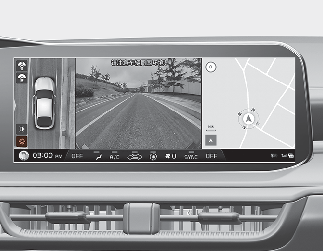
You can change Surround View Monitor settings by pressing the setup icon (
 )on the screen while the function is operating.
Parking/View button
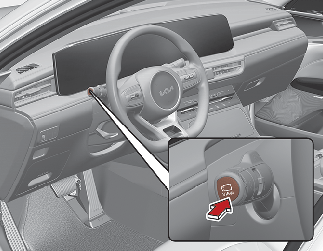
Press the Parking/View button to turn on Surround View Monitor. Press the button again to turn off the function.
For more details, refer to More Details.