
Navigation-based Smart Cruise Control settings
Setting features

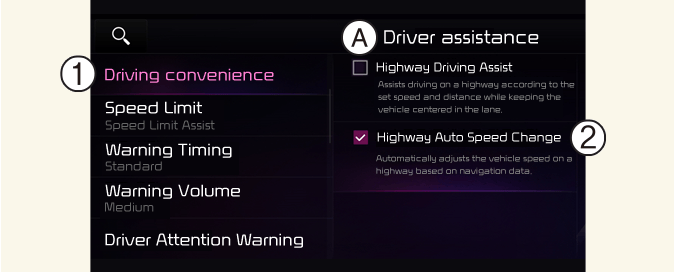
A: Driver Assistance
-
Driving Convenience
-
Highway Auto Speed Change
With the vehicle on, select User Settings → Driver Assistance → Driving Convenience → Highway Auto Speed Change on the instrument cluster, or select Setup → Vehicle → Driver Assistance → Driving Convenience → Highway Auto Speed Change on the Infotainment system to set whether or not to use each function.

NOTICE
When there is a problem with Navigation-based Smart Cruise Control, the function cannot be set from the Settings menu.