

Lighting pattern: (if equipped)
The lighting pattern function projects various patterns in front of and rear of the vehicle.
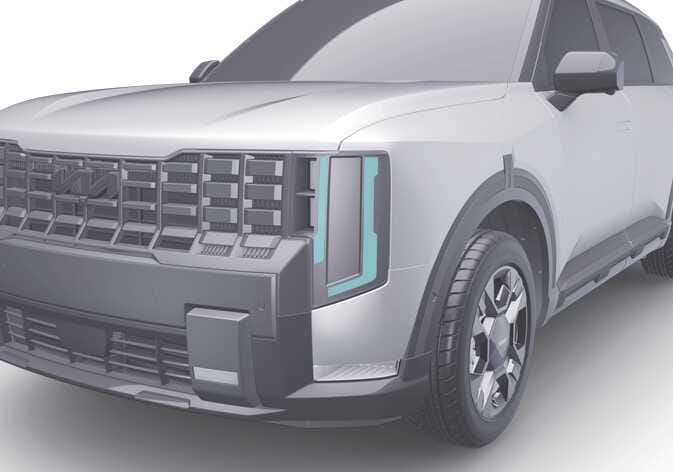 OLQ2AH085010 |
-
When the vehicle is in ON position, select from the infotainment system to select the type of the provided pattern.
-
After selecting a pattern, the chosen pattern will be applied when the vehicle is turned off and restarted.
-
Four default patterns are provided.
TIP
The infotainment system may change after a software update. For more details, refer to the user’s manual in the infotainment system or the quick reference guide.