

Liftgate light: (if equipped)
The liftgate light can be used to enhance night time visibility under the liftgate.
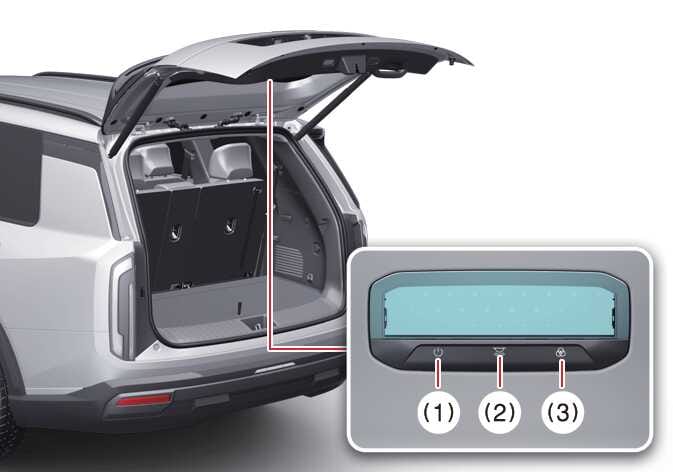 OLQ2AH085013 |
|
-
Press the liftgate light ON/OFF button (1) to turn on or off the liftgate light.
-
Press the brightness/light temperature button to adjust the brightness (10% → 40% → 70% → MAX) or light temperature (2,800-6,500 K) to the desired value.
-
Press the light temperature button to adjust the light temperature in 3 modes:
-
Warm white: 2,800 K
-
Neutral white: 6,500 K
-
Cool white: 4,000 K
-