

Setting the speed limit
- Press and hold the Driving Assist (
 ) button while driving at the desired speed. The Speed Limit (
  ) indicator appears on the instrument cluster.
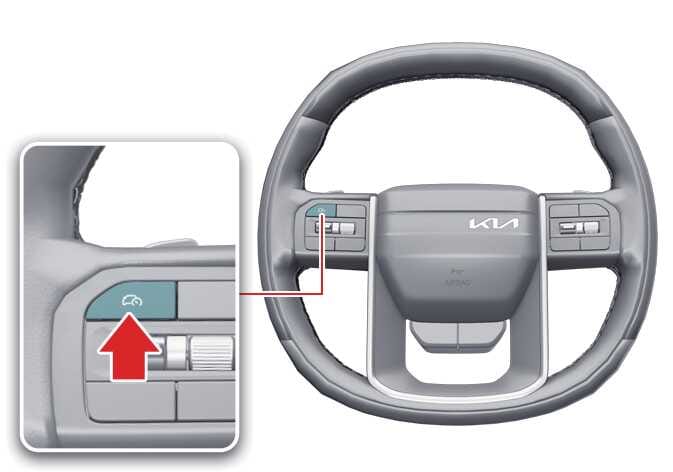 OLQ2A105032
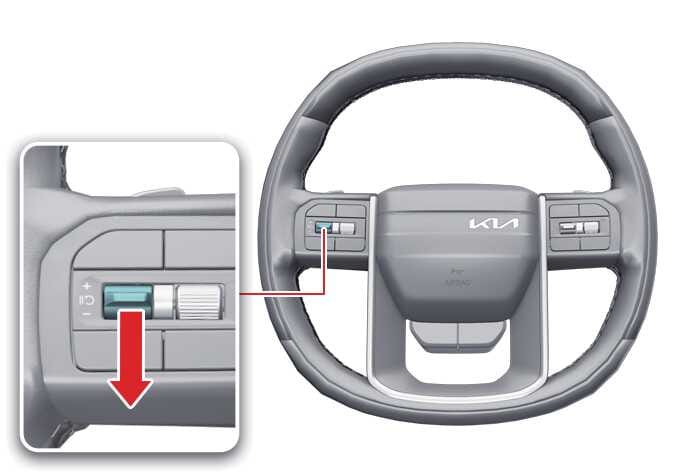
 - Push the (
 ) switch up or (
  ) switch down and release it while driving at the desired speed.
Push the (
) switch up or ( ) switch down and hold it. The speed increases or decreases to the nearest multiple of 5 mph (10 km/h) at first, then increases or decreases by 5 mph (10 km/h).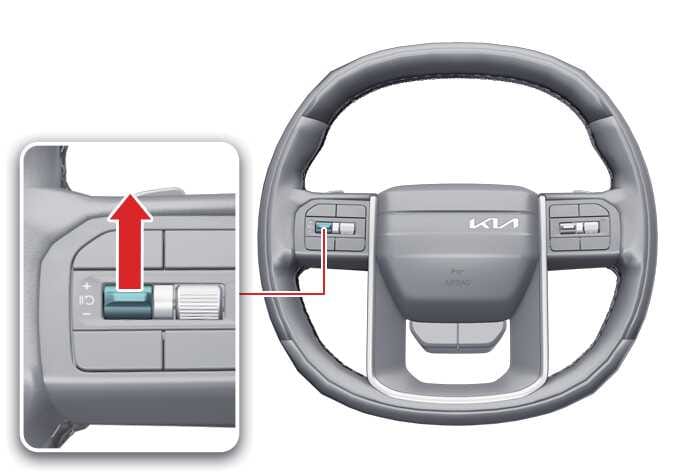 OLQ2A105033
 OLQ2A105034
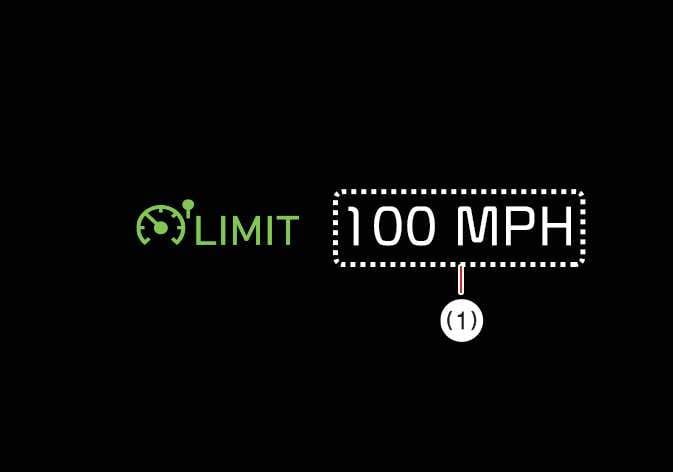
 - The instrument cluster displays the set speed limit (1).
The set speed limit blinks and the chime sounds until you return the vehicle speed to the limit you set.
 OMQ4A055089TIP
-
When the accelerator pedal is not engaged beyond the pressure point, the vehicle maintains the set speed.
-
The set speed may differ depending on the vehicle specifications. You may not increase the set speed above the maximum set speed for your vehicle.
-