

Setting vehicle distance
 OLQ2A105044 |
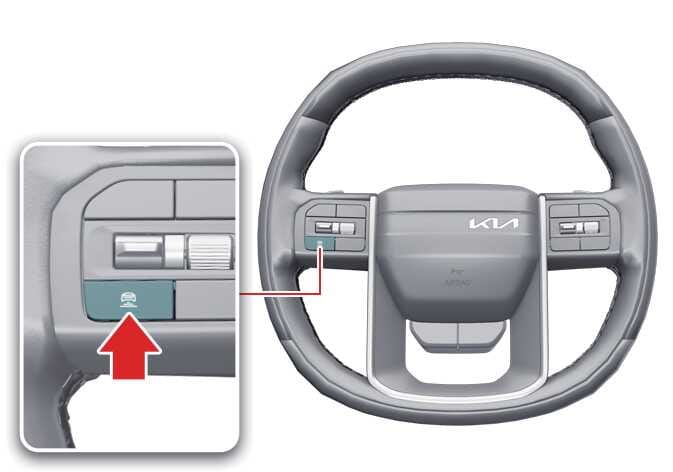
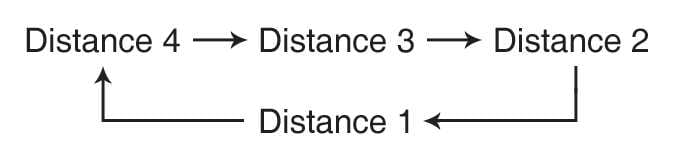
To adjust the distance to the vehicle ahead, press the button. The distance will change as follows:
-
The closest vehicle distance is 1.
 ODEEV078136NR |
For example, if you drive at 56 mph (90 km/h), the distance is maintained as follows:
-
Distance 4: approximately 172 ft (52.5 m)
-
Distance 3: approximately 130 ft (40 m)
-
Distance 2: approximately 106 ft (32.5 m)
-
Distance 1: approximately 82 ft (25 m)
TIP
The distance is set to the last distance you set before you restarted the vehicle or temporarily canceled Smart Cruise Control.