Remote Smart Parking button

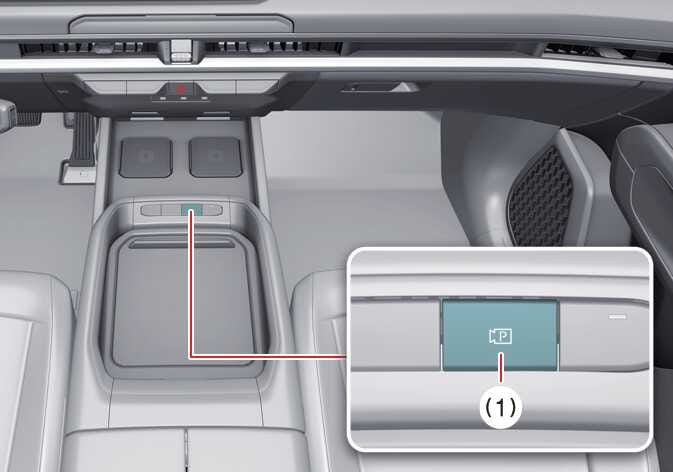
Parking/View button

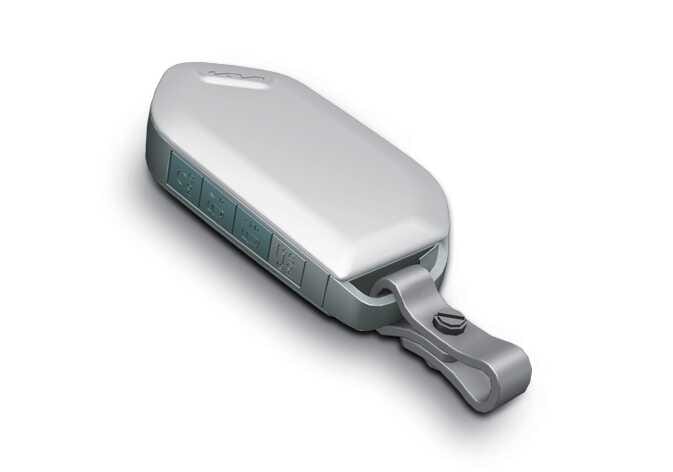
Smart key

OLQ2A105057
OOV055019

Location

Name

Symbol

Description

Inside vehicle

Parking/View button

  • Press and hold the Parking/View button to turn on Remote Smart Parking Assist. Also, Forward/Reverse Parking Distance warning will automatically turn on.

    (However, functions may differ depending on the situations. Refer to each function's description for more details in the following pages.)

Smart key

Remote Start button

  • Press the Remote Start button after the door is locked with the vehicle off to start the vehicle remotely.

  • Press the Remote Start button while Remote Operation function is operating to end function operation.

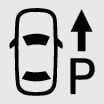
Forward button

  • When using the Remote Operation function, the vehicle moves in the direction of the button while the button is pressed.

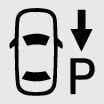
Backward button