
ISLA operation
Warning and control
ISLA is warned and controlled by the following action.
-
Displaying speed limit
-
Warning overspeed
-
Changing set speed
-
Auto set speed change

ISLA warning and control are described based on the Offset adjust to '0'. For details on Offset setting, refer to More Details.
Displaying speed limit
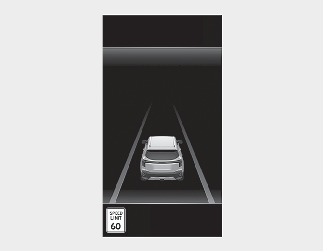
Speed limit information is displayed on the instrument cluster.
-
If speed limit information of the road cannot be recognized, '---' sign will be displayed. Please refer to More Details if the road signs are difficult to recognize.
-
ISLA provides additional road sign information in addition to speed limit. The additional road sign information provided may vary according to your country.
-
The images and colors in the instrument cluster may differ depending on the cluster type or theme selected from the settings menu.
Warning overspeed
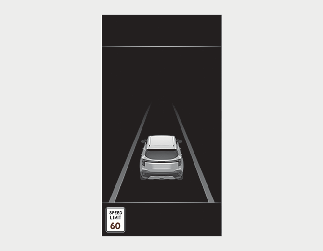
When driving at a speed higher than the displayed speed limit, the road sign indicator will be red.
Changing set speed
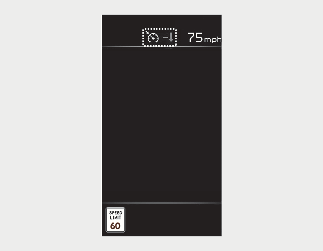
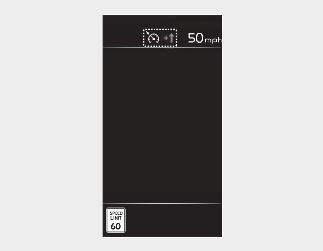
If the speed limit of the road changes during the operation MSLA or SCC, an arrow in the direction of up or down is displayed to inform the driver that the set speed needs to be changed. You can change the set speed according to the speed limit by using the (+) or (–) switch on the steering wheel.