
DAW operation
Basic function
The basic function of DAW is to inform the driver 'Consider taking a break'.
Taking a break
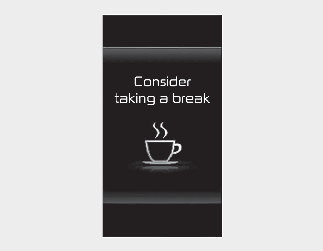
The warning message will appear on the instrument cluster and an audible warning will sound to suggest that the driver take a break, when the driver's attention level is below a certain level.
-
DAW will not suggest a break when the total driving time is shorter than 4 minutes or 4 minutes has not passed after the last break was suggested.
DAW operates under the following conditions:
-
Your driving speed: Approximately 0~120 mph (0~200 km/h)

Only change the settings after parking the vehicle at a safe location.

-
DAW may suggest a break depending on the driver's driving pattern or habits, even if you don’t feel fatigue.
-
DAW is a supplemental function and may not be able to determine whether the driver is inattentive.
-
If you feel fatigued, take a break at a safe location, even though there is no break suggestion by DAW.

For more details on vehicle settings, refer to More Details.
Leading Vehicle Departure Alert
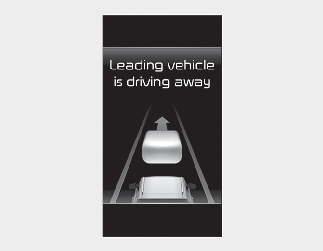
When a detected vehicle in front departs from a stop, Leading Vehicle Departure Alert will inform you by displaying the warning message on the instrument cluster and an audible warning will sound.
-
If any other function’s warning message is displayed or audible warning is generated, Leading Vehicle Departure Alert’s warning message may not be displayed and audible warning may not be generated.
-
You have responsibility to safely drive and control your vehicle.
-
Leading Vehicle Departure Alert is a supplemental function and may not warn you whenever a vehicle in front departs from a stop.
-
Always check the front of your vehicle and road conditions before departure.
The images and colors in the instrument cluster may differ depending on the cluster type or theme selected from the settings menu.