
DAW settings
Leading Vehicle Departure Alert
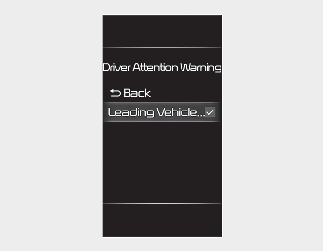
With the ignition switch or ENGINE START/STOP button in the ON position, select ‘User Settings → Driver Assistance → Driver Attention Warning’ on the LCD display or ‘Setup → Vehicle → Driver Assistance → Driver Attention Warning’ on the Infotainment system screen.
If 'Leading Vehicle Departure Alert’ is selected, the function will inform the driver when a detected vehicle in front departs from a stop.