

Forward Safety Warning Timing
 OCL4M055117N |
|
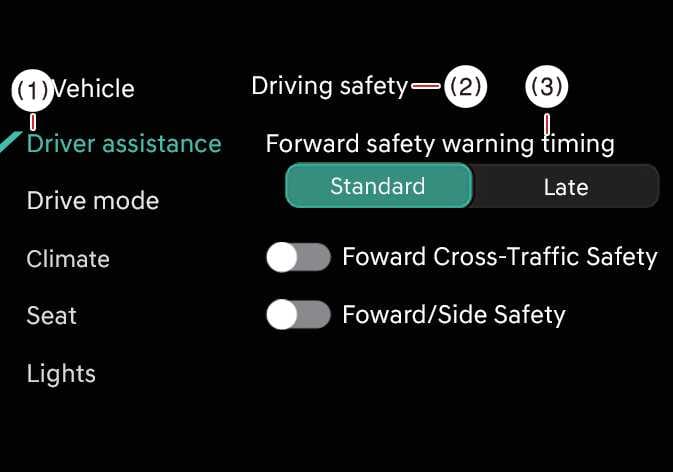
While the vehicle is ON, tap on the infotainment system screen to change the Forward Collision-Avoidance Assist Warning Timing settings.
-
Use Standard in normal driving conditions. If the Warning Timing seems sensitive, change it to Late.
-
If you select Late, Forward Collision-Avoidance Assist warns you more slowly.
TIP
-
Even if you select Standard Warning Timing, the warning may seem too slow if the vehicle ahead stops suddenly.
-
Select Late Warning Timing when driving at low speeds in light traffic.
TIP
The warning timing will not reset, even when restarting the vehicle.