

Rear Top View
 OLQ2A005076 |
 OLQ2A105058 |
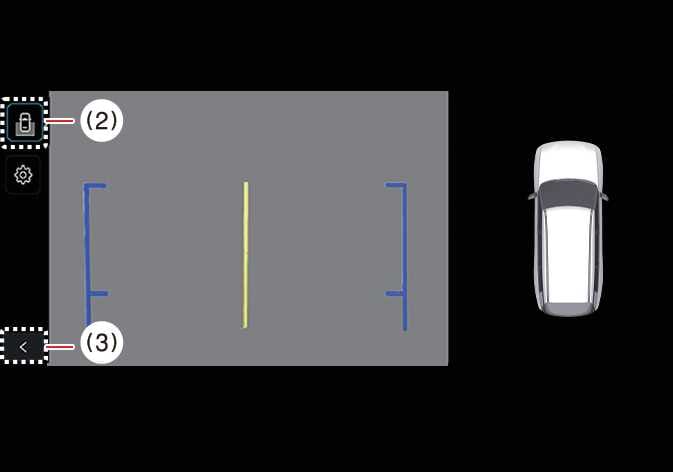
(2) View switching button
(3) back button
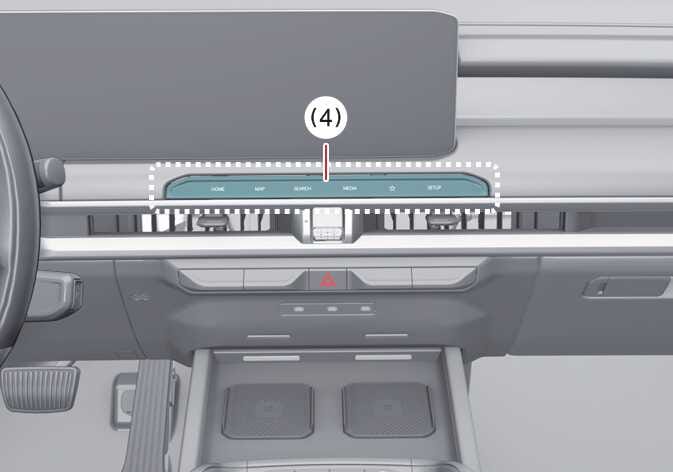
(4) infotainment system operation button
The Rear Top View displays an image of the vehicle from above to help you determine the space between your vehicle and another vehicle or object when you are parking.
To turn the Rear Top View ON, press the Rear Top View button.
TIP
-
Rear View video will not turn OFF when the gear is in Reverse (R), regardless of which view you select.
-
The Rear View and Rear Top View can display Rear Parking Guidelines. To display Rear Parking Guidelines, tap on the infotainment system screen’s settings menu. Note that Rear Parking Guidelines are not displayed on the Rear View while parking.