
Navigation-based Smart Cruise Control setting
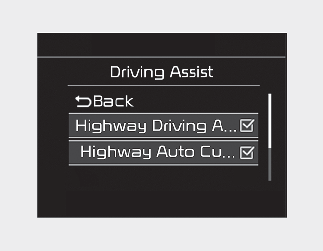
With the engine ON, Navigation-based Smart Cruise Control turns on and gets ready to be activated when you press SETUP button of the infotainment system and select 'Driver Assistance → Driving Assist → Highway Auto Curve Slowdown' in the infotainment system display. You can turn off the function by deselecting it. The set-up of Navigation-based Smart Cruise Control will be maintained, as selected, when the engine is re-started.