

Temperature control
 OLQ2A085072 |
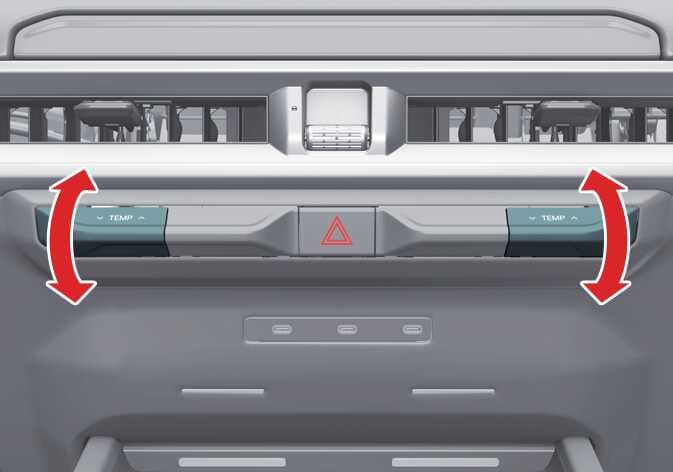
Press the temperature control lever up to increase the temperature or down to decrease the temperature.
When set to the lowest temperature setting, the A/C will operate continuously.
When starting the vehicle in cold weather using manual temperature control, operate the system in the following method to improve heating.
Turn off or lower the blower, right after starting the engine.
Allow the engine to warm up during this time since the air flow from the heater is still cold.
After a few minutes of engine warm up, turn on or set the fan to a higher level and adjust the temperature setting to hot.
Syncing driver and passenger temperature
 OCL4M035326N |
-
To sync the driver and passenger temperatures, press the SYNC icon.
-
The passenger temperature will be set to the same temperature as the driver side. When you adjust the driver side temperature control lever, both the driver and passenger temperatures will be adjusted.
-
If you turn the passenger side temperature control lever, the SYNC button will turn off, and you will be able to operate the passenger temperature independently.
To adjust the driver and passenger side temperatures individually, press the SYNC icon again. The button indicator will turn off.