

Mode selection
 N_CT25C039_E |
 OLQ2A085070 |
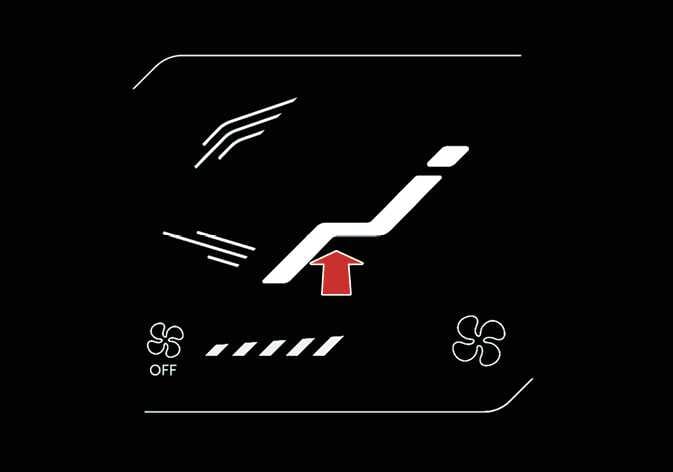
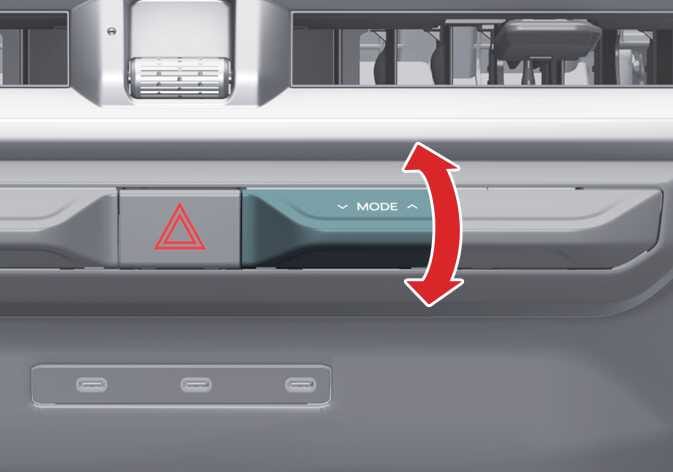
The mode selection lever/icon controls the direction of airflow through the ventilation system.
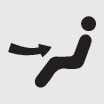 Face-Level (2, 4)
Air flow is directed toward the upper body and face. You can control the direction of the airflow from each vent.
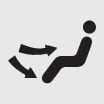 Bi-Level (2, 3, 4)
Air flow is directed toward the upper body and face and the floor.
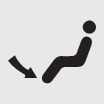 Floor-Level (1, 3, 4)
Most of the airflow is directed to the floor, and a small amount is directed to the windshield, side window defrosters, and side air vents.
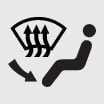 Floor/Defrost-Level (1, 3, 4)
Most of the airflow is directed to the floor and windshield, and a small amount is directed to the side window defrosters and side air vents.
 Defrost-Level (1, 4)
Most of the air flow is directed to the windshield, and a small amount is directed to the side window defrosters and side air vents.
Instrument panel vents
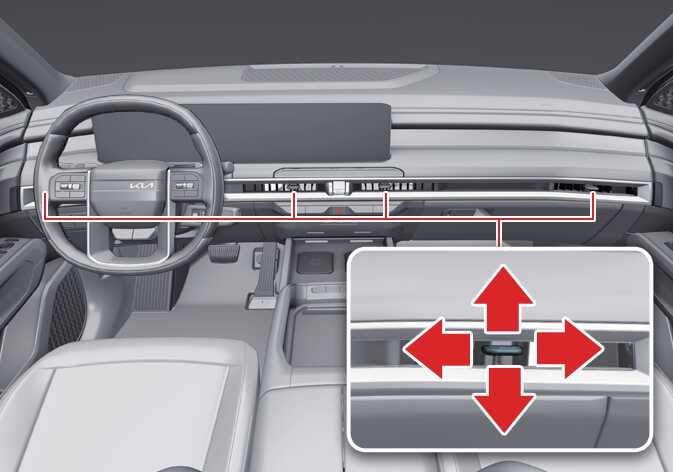 OLQ2A085011 |
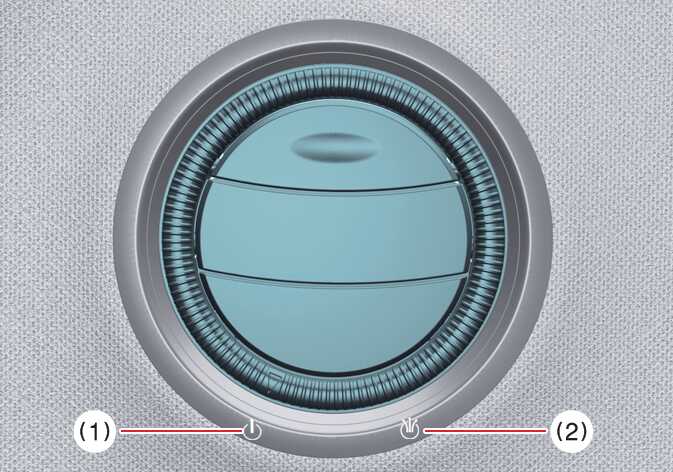 OLQ2AH085012 |
You can adjust the direction of a vent’s airflow using the vent control lever as shown.
-
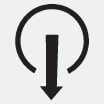 : Air has a centered and
direct flow.
: Air has a centered and
direct flow. -
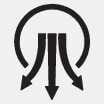 : Air spreads over a wider area.
For more details, refer to Rear mode selection.