

Rear mode selection
From the front seat
 N_CT25C039_E |
 OLQ2A085070 |
-
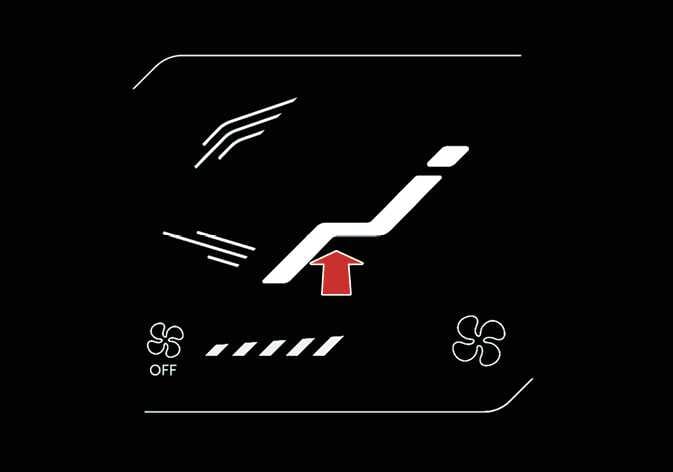
Set the rear climate control selection (REAR) button in the front climate control panel to the ON position.
-
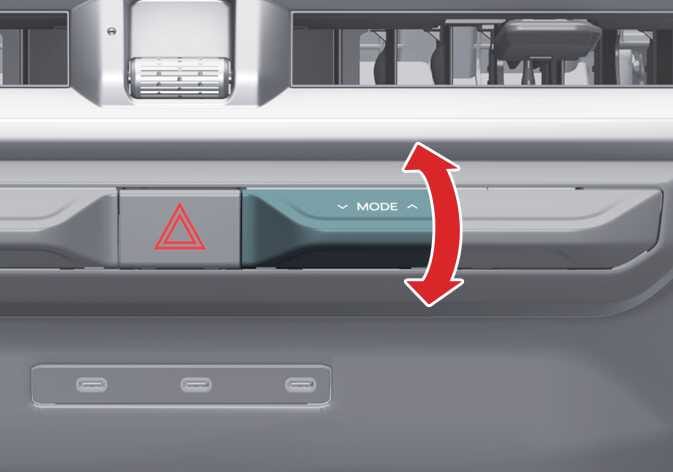
Press the mode selection lever/icon on the front climate control panel to set the desired mode.
-
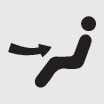 : Rear air blows from the upper vents.
 -
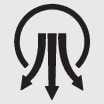
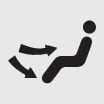 : Rear air blows from the upper vents on the rear ceiling and the lower vents.
 -
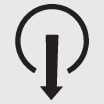
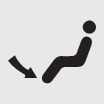 : Rear air blows from the right side of the lower vents.
From the rear seat
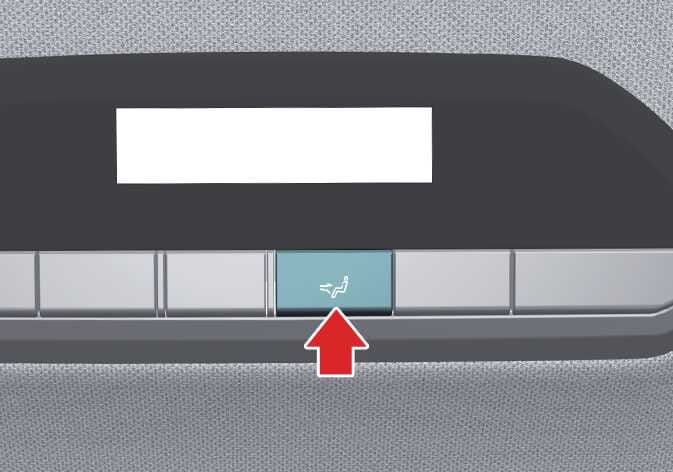 OLQ2A085017 |
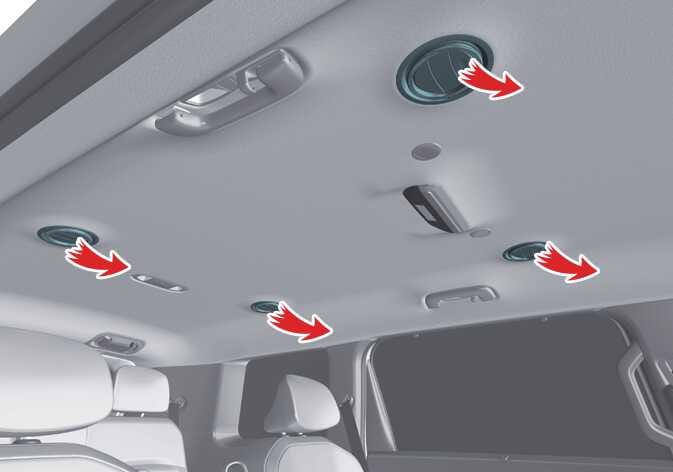 OLQ2A085018 |
After unlocking the rear climate control, push the rear mode selection button on the rear control panel to select the mode as follows:
-
: Rear air blows from the upper vents on the rear ceiling.
-
: Rear air blows from the upper vents on the rear ceiling and the lower vents on the right rear trim together.
-
: Rear air blows from the lower vents on the right rear trim.
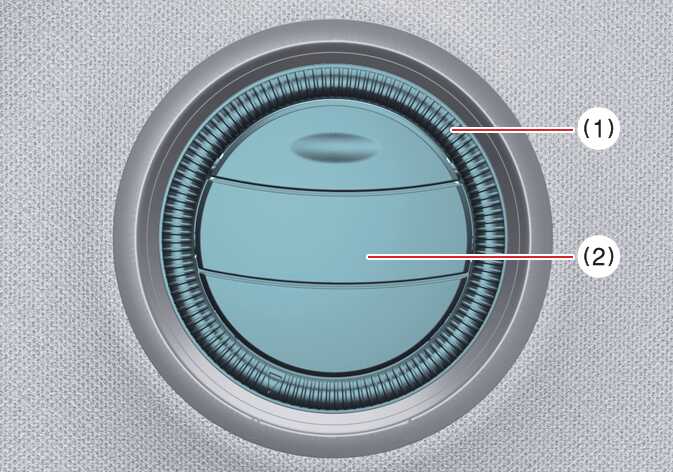 OLQ2A085012 |
|
You can set the direction of air by adjusting the knob of air vents located above the 2nd row and 3rd row seats. Adjust the outer and central parts of the air vent to the desired positions.
|
Outer part of the vent (1) |
Central part of the vent (2) |
Description |
|---|---|---|
|
Opened ( |
Closed |
The air spreads widely around the passenger. However, the air volume may decrease. |
|
Opened ( |
Opened |
The air is spread widely towards and around the passenger. |
|
Closed ( |
Opened |
The air blows only towards the passenger. |
 )
) )
)