

Rear fan speed control
From the front seat
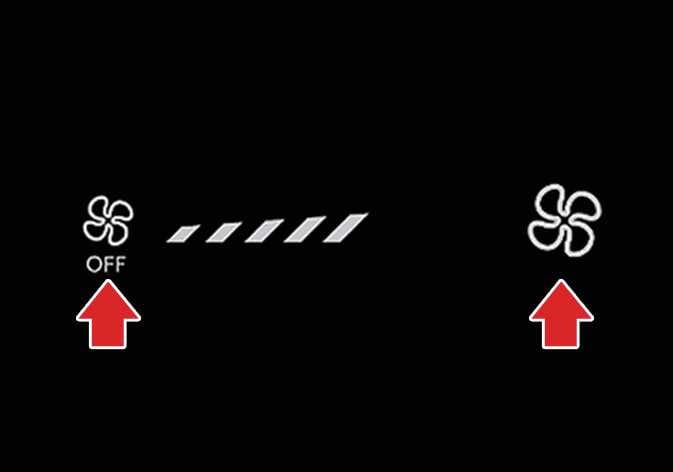 OCL4M035323N |
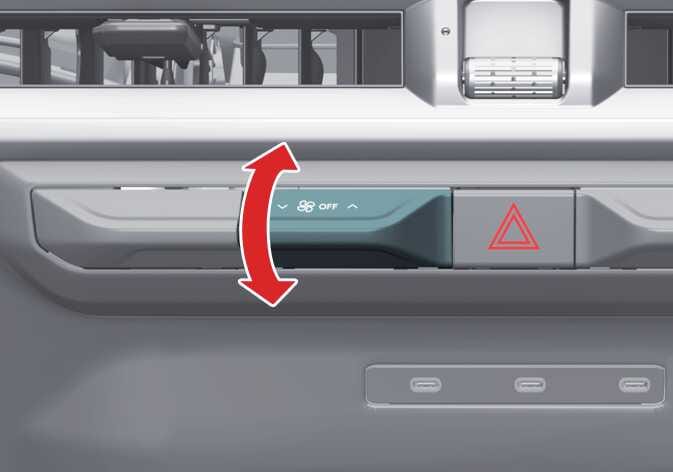 OLQ2A085073 |
-
Set the rear climate control selection (REAR) button in the front climate control panel to the ON position.
-
Press the fan speed control lever/icon on the front climate control panel to set the desired fan speed.
From the rear seat
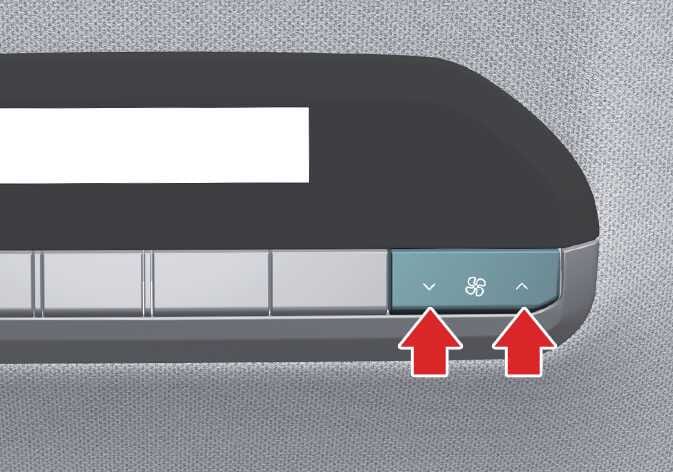 OLQ2A085014 |
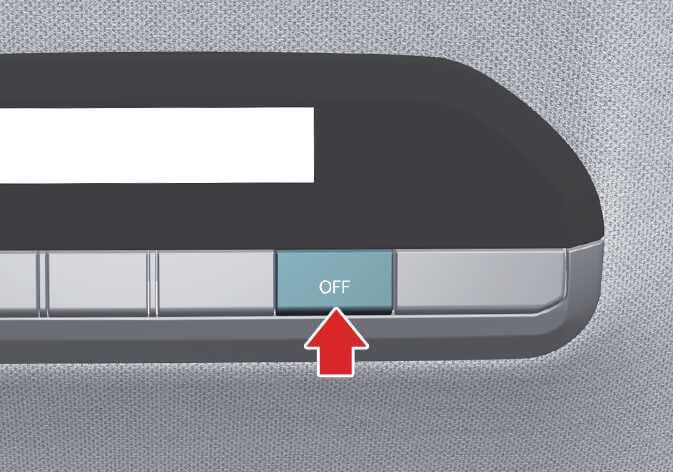 OLQ2A085016 |
-
Press the rear fan speed control button on the rear control panel for desired amount of airflow.
-
To turn off the rear air conditioning system press the off button in the rear climate control panel.