
Driver Attention Warning settings
Driver Attention Warning
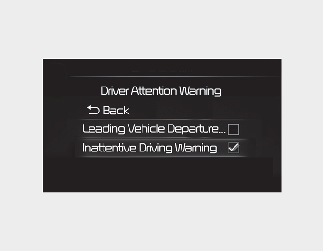
With the engine on, select or deselect 'Driver Assistance → Driver Attention Warning' from the Settings menu to set whether or not to use each function.
-
Inattentive Driving Warning: Driver Attention Warning will inform the driver the driver's attention level and will recommend taking a break when the level falls below a certain level.
Leading Vehicle Departure Alert
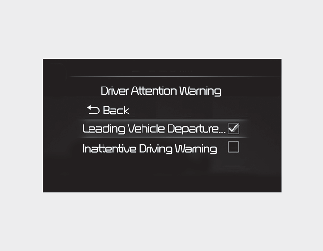
Leading Vehicle Departure Alert: The function will inform the driver when the front vehicle departs from a stop.
Warning Timing
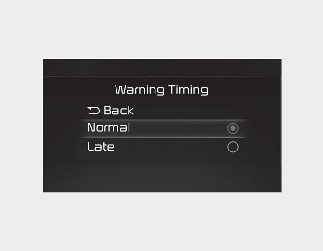
With the engine on, select 'Driver Assistance → Warning Timing' from the Settings menu to change the initial warning activation time for Driver Attention Warning.
To select the Warning time 'Normal' or 'Late'.
-
Normal: Use under normal driving conditions. If it feels too sensitive, set the warning timing to 'Late'.
-
Late: The warning message is notified more slowly.

If you change the Warning Timing, the warning time of other Driver Assistance systems may change.