Parking/View button
 OLQ2A105057 |
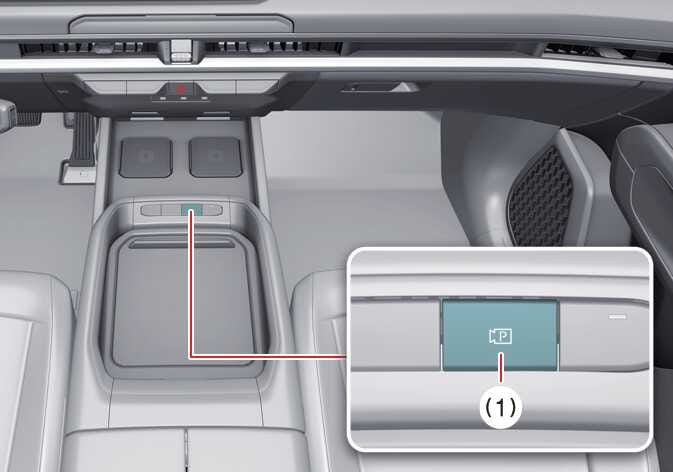
(1) Parking/View button
To turn Surround View Monitor ON, press the Parking/View button (1).
Press the button again to turn Surround View Monitor OFF.


|
OLQ2A105057 |
(1) Parking/View button
To turn Surround View Monitor ON, press the Parking/View button (1).
Press the button again to turn Surround View Monitor OFF.