
Navigation-based Smart Cruise Control settings
Settings
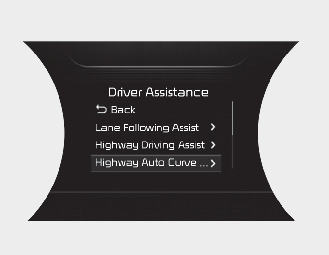
Highway Auto Curve Slowdown
-
With the POWER button in the ON position, select
“Driver Assistance → Highway Auto Curve Slowdown” from the “User Settings (LCD display)” to turn on Navigation-based Smart Cruise Control and deselect to turn off the function.

NOTICE
When there is a problem with Navigation-based Smart Cruise Control, the function cannot be set from the “User Settings (LCD display).