
Setting charging current of Portable Charging Cable
1
Check the outlet's current rating before connecting the plug to the outlet.
2
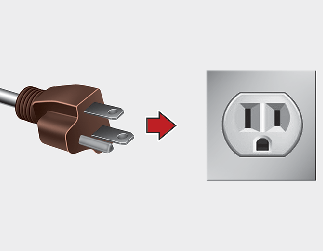
Connect the power plug to the household electrical outlet.
3
Check the status of the control box display
4
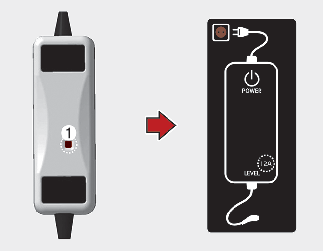
Adjust the charging current by pressing the button (1) on the back of the control box for more than 1 second. (Refer to the
More Details.)
5
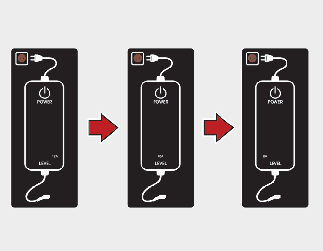
Each time the button (1) is pressed, the control box display is sequentially changed to 12 A, 10 A and 8 A.
Once the charging current setting is complete, start charging (refer to More Details for more information).

NOTICE
* Examples of ICCB Charging Current Setting
(Examples are only for reference and situations may vary depending on the surrounding environment.)
|
Outlet current |
ICCB charge level |
Control box display |
|---|---|---|
|
14~16 A |
12 A |
 |
|
13~12 A |
10 A |
|
|
11~10 A |
8 A |