
Vehicle settings (infotainment system)
-
Press the SETUP button on the head unit of the infotainment system.
-
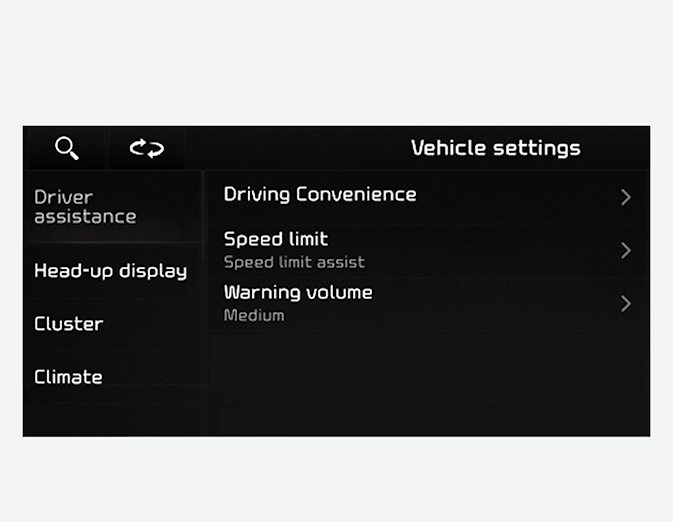
Select Vehicle and change the setting of the features.
Vehicle Settings in the infotainment system provides user options for a variety of settings including door lock/unlock features, convenience features, driver assistance settings, etc.
-
Vehicle settings
-
Driver assistance
-
Head-up display
-
Cluster
-
Climate
-
Seat
-
Lights
-
Door
-
Convenience
-

Do not operate the Vehicle settings while driving. This may cause distraction resulting in an accident.

-
The information provided may differ depending on which features are applicable to your vehicle.
-
The infotainment system may change after software updates. For more information, refer to the manual provided in the infotainment system and the quick reference guide.
- Contains Topics
- Driver assistance settings (infotainment system)