
LCD Display Modes
|
|
||||
|---|---|---|---|---|
 Trip Computer |
 Turn By Turn (TBT) |
 Driving Assist |
 Master warning |
|
|
Up/Down |
Consumption Info |
Route Guidance |
Lane Keeping Assist |
The Master Warning mode displays warning messages related to the vehicle when one or more systems is not operating normally. |
|
Accumulated Info |
Smart Cruise Control Lane Following Assist Highway Driving Assist |
|||
|
Drive Info |
Driver Attention Warning |
|||
|
Driving Style |
Tire Pressure |
|||
|
Energy Flow |
||||
 Mode
Mode


The information provided may differ depending on which functions are applicable to your vehicle.
Trip computer mode
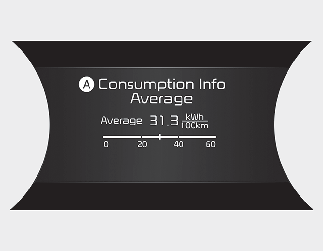
A: Consumption Info
The trip computer mode displays information related to vehicle driving parameters including drive info, driving style and energy flow.
* For more details, refer to More Details.
Turn By Turn (TBT) mode
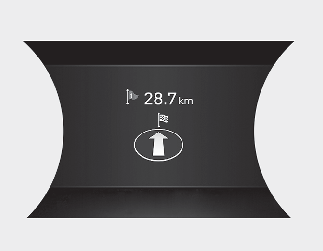
This mode displays the state of the navigation.
Driving Assist mode
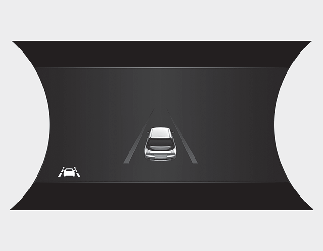
This mode displays the state of:
-
Lane Keeping Assist
-
Smart Cruise Control
-
Lane Following Assist
-
Lane Following Assist
-
Highway Driving Assist
-
Tire Pressure
* For more details, refer to each function information in More Details.
* For more details, refer to More Details.
Master warning mode
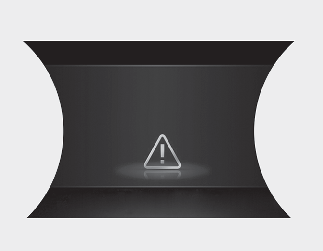
This warning light informs the driver the following situations.
-
Driver assistance system malfunction, limitation or radar/camera blockage
-
LED headlamp malfunction
-
Lamp malfunction
-
TPMS failure, low tire pressure, etc.
At this time, a Master Warning icon ( ) will appear beside the Driving Assist icon (
 ), on the LCD display.
If the warning situation is resolved, the master warning light will be turned off and the Master Warning icon will disappear.