
Lane Following Assist settings
Warning volume
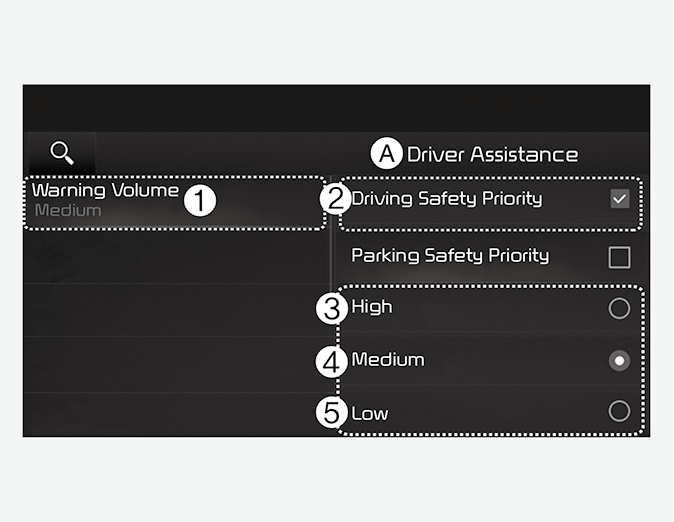
A: Driver Assistance
-
Warning Volume
-
Driving Safety Priority
-
High
-
Medium
-
Low
With the vehicle on, select Settings → Vehicle → Driver Assistance → Warning Volume on the infotainment system to change the Warning volume to adjust the Warning volume levels; High, Medium or Low.
If Driving Safety Priority is selected, the audio volume will temporarily decrease to warn the driver with the audible warning for safe driving.

When the trailer is connected, Lane Following Assist automatically turns off (if equipped). In this case, you cannot get help from Forward Collision-Avoidance Assist. Always drive with care.
-
When the vehicle is restarted, Lane Following Assist settings will retain its settings.
-
If you change the Warning Volume, the Warning Volume of other Driver Assistance systems may change.