
To adjust the sensitivity of Smart Cruise Control
SCC Reaction
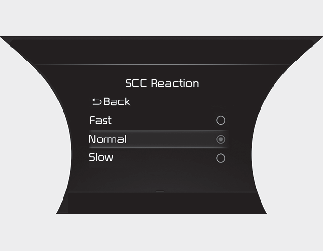
The sensitivity of vehicle speed when following the front vehicle to maintain the set distance can be adjusted.Go to the “User Settings (LCD display) or Settings → Vehicle (Infotainment System screen) → Driver Assistance → SCC Reaction → Fast/Normal/Slow”. You may select one of the three stages you prefer.