
LCD Modes
|
Modes |
Symbol |
Explanation |
|---|---|---|
|
Trip Computer |
|
This mode displays driving information like the tripmeter, fuel economy, and so on. * For more details, refer to More Details. |
|
User Settings |
|
On this mode, you can change settings of driver assistance, language and so on. |
|
Master warning mode (if equipped) |
|
This mode informs of warning messages related to Low tire pressure and so on. |



* For controlling the LCD modes, refer to More Details.
Trip computer mode
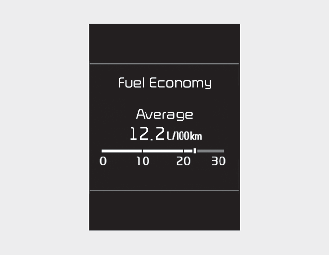
This mode displays driving information like the tripmeter, fuel economy, and so on.
* For more details, refer to More Details.
Service mode
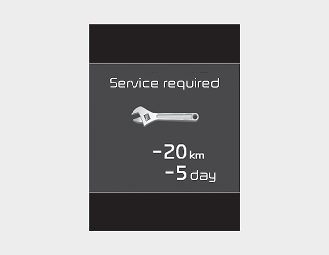
When Service Required is set, the remaining distance/period to drive appears on the LCD display.
From the point at which the remaining distance to drive amounts to 1,500 km (900 mi) or the remaining period amounts to 30 days, Service Required message automatically displays and remained on LCD displayfor a number of seconds every time the ignition switch is ON.
With Service Required in place, Service Required Alarm message pops up when an aggregated amount of miles/time driven reaches a certain point.
With Service Required mode, press OK button for more than 5 sec. The values will return to initial setting values.
* For more details, refer to More Details.
* Service Required Setting Battery Cable Disconnection or Service Required Setting values (an amount of miles/time driven) can be randomly changed. In such cases, re-enter Service Required Setting values.
Master warning mode (if equipped)
-
This warning light informs the driver of the following situations
-
TPMS failure, low pressure (if equipped)
-
The Master Warning Light appears if one or more of the above warning situations occur.
If the warning situation is solved, the master warning light will be turned off.