
User Settings Mode
Description
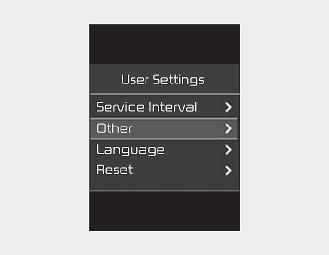
On this mode, you can change setting of the driver assistance, language and so on.

Do not adjust the User Setting while driving.You may lose your steering control and cause severe personal injury or accidents.
Edit settings after shifting to P (For Automatic transmission)
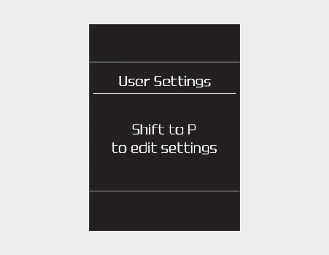
This warning message appears if you try to adjust the User Settings while driving. Automatic transmission For your safety, change the User Settings after parking the vehicle, applying the parking brake and moving the shift lever to P (Park).
Engage parking brake to edit settings (for manual transmission)
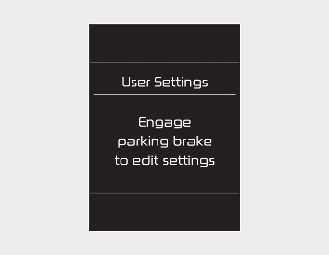
This warning message appears if you try to adjust the User Settings while driving.
For your safety, change the User Settings after engaging the parking brake and moving the shift lever to N (Neutral).
Service Interval
|
Items |
Explanation |
|---|---|
|
Enable Service Interval |
If this item is checked, the Service Interval function will be activated. |
|
Adjust Interval |
If the service interval menu is activated, you may adjust the time and distance. |
|
Reset |
To reset the service interval function. |
Other (if equipped)
|
Items |
Explanation |
|---|---|
|
Fuel Economy Reset |
* For more details, refer to More Details. |
|
Fuel Economy Unit |
To select the Fuel economy unit. |
* The information provided may differ depending on which functions are applicable to your vehicle.
Language (if equipped)
|
Items |
Explanation |
|---|---|
|
Language |
|
Reset
|
Items |
Explanation |
|---|---|
|
Reset |
You can reset the menus in the User Settings mode. All menus in the User Settings mode are reset to factory settings, except language and service interval. |